5. Sleep Better By Turning On The Blue Light Filter
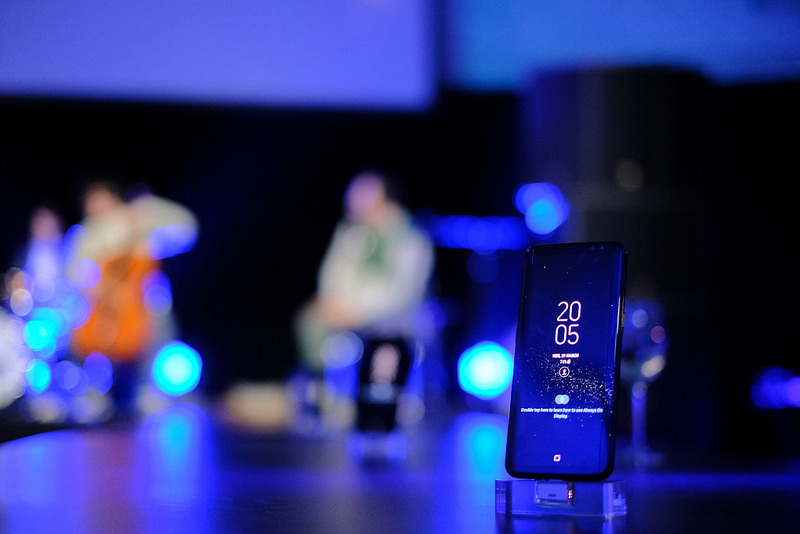
Whether you like it or not, scrolling through the phone in bed at night does impact your sleep patterns. The blue light coming out of the screen can make your brain more alert and keep you awake when you really should resting or falling asleep.
Samsung has the answer to this issue, namely ‘Blue Light Filter’. This gives the screen a warmer and more yellow tone which relaxes your eyes and brain.
You can turn it on in two ways – manually or by schedule. To turn it on manually, go to Settings -> Display -> Blue Light Filter. If you pull down the notification tray, there is an option to turn this on too.
To make it more convenient, you can schedule the turning on and off of the Blue Light Filter. You can set the schedule manually or choose the automatic option to have it turned on automatically between the night and the morning.
